Sound Off, Views On: Why Captions Make Your Real Estate Videos Work for Everyone
Scroll through any social feed in a waiting room, on a bus, or during a lunch break, and notice how many videos play silently. Many people watch with the sound off, either by habit or by necessity. If your videos have no captions, those viewers may swipe past before they ever hear a word you say.
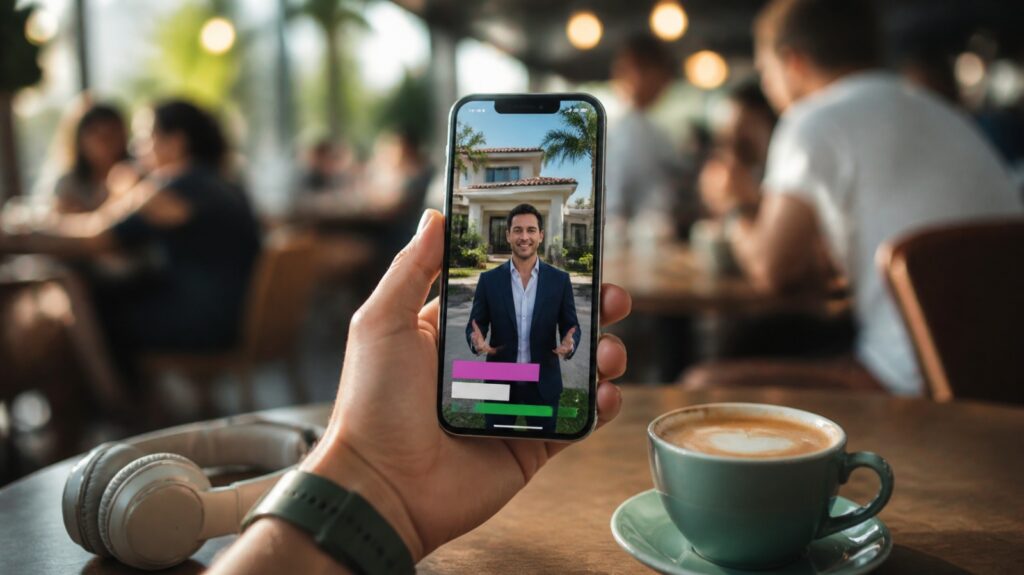
Why captions matter
Captions do three important jobs.
First, they hold attention. When viewers can read along, they are more likely to stay past the first few seconds and understand your message.
Second, they make your content accessible. People who are deaf or hard of hearing deserve to access your information, and so do viewers who are watching in a second language. Captions show that your business welcomes everyone.
Third, they clarify. Property names, street names, and real estate terms are easy to mishear. Written words remove confusion.
Common caption mistakes
Auto-captions left unchecked. Automatic captions are a helpful start, but they often misspell neighborhood names and technical terms. A mistake in a street name can look careless.
Too much text at once. Long paragraphs on screen are tiring to read. Aim for short lines, usually one or two at a time, that match your speaking pace.
Poor contrast. White text on a bright window or a pale wall is hard to read. Use a solid outline, a soft shadow, or a background bar to keep words legible.
Covering important visuals. Keep captions away from the spot where the action happens, and away from the area where social apps place their buttons.
Style tips that look professional
- Choose one or two fonts and keep them across all videos.
- Use your brand colors for highlighted words, such as price or neighborhood names.
- Emphasize a key word in each sentence, but don’t highlight everything.
- Keep the caption position consistent so viewers know where to look.
Write for the eye, not just the ear
When you speak, you can ramble a little. When captions appear on screen, rambling shows. Before you record, think about the main point and say it simply. If a sentence is too long to read comfortably in a couple of seconds, shorten it.
Also, put your hook in the first line. If your opening caption says, “Three things buyers forget before closing,” viewers know right away why they should keep watching.
Captions for different platforms
Each platform has its own safe areas. Instagram Reels, Facebook Reels, and YouTube Shorts all place buttons and descriptions at the bottom and side of the screen. Position your captions toward the middle-lower area to stay clear of them.
On YouTube long-form videos, upload a clean subtitle file as well. This can improve how viewers and search engines understand the video.
A simple caption workflow
- Record your video with clear audio. Good sound makes better automatic captions.
- Generate captions with your editing tool.
- Read every line carefully, correcting names and terms.
- Style the captions with your brand fonts and colors.
- Preview the video on a phone, with the sound off, before posting.
That last step is a great test. If the video makes sense and holds your attention in silence, you have done it right.
Let someone else do the polishing
Captioning every video by hand takes patience. With our video editing service, you simply record and upload to Google Drive. We handle the cutting, captions, music, and formatting, so your videos are ready to post and easy to follow with or without sound.
Learn how at BrandLocally, or call (954) 451-1051.
Popular Articles