YouTube Channel Setup for Agents: Titles, Thumbnails, and Playlists That Get Videos Found
Many agents upload videos to YouTube and then wonder why nobody watches. Often the video is fine. The problem is that the channel is not set up for discovery. YouTube is the second most-used search destination for many people, and a few simple choices can make your videos far easier to find.
Start with a clear channel identity
Your channel name should match your business name as closely as possible. Use the same profile photo you use everywhere else so viewers recognize you right away. In your banner, show who you serve and where, such as the city or neighborhoods you work in.
The channel description is prime space. Write two or three sentences about who you help, which areas you cover, and how to reach you. Add your website link and phone number. Place the most important information in the first line, because that is what appears before the “show more” cut-off.
Write titles for people, not for algorithms
A good title answers a question or promises a clear benefit. Compare “Market Update” with “Is It a Good Time to Sell a Townhome in Pembroke Pines?” The second tells viewers exactly what they will get, and it matches the way people actually search.
Keep your title short enough to read on a phone, put the important words first, and include your location when it is relevant. Avoid clickbait that the video can’t deliver on. If viewers leave quickly, YouTube notices.
Make thumbnails that look like you
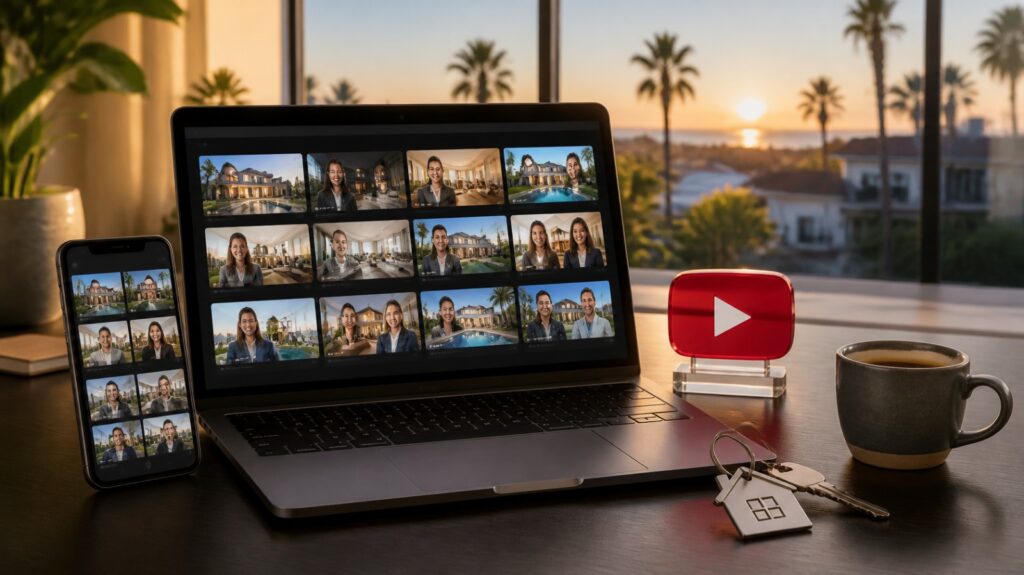
A thumbnail is a tiny billboard. Use a bright, uncluttered image with your face, a clear expression, and no more than a few words of large text. Keep the same colors and layout across videos so your channel looks consistent and professional.
Avoid busy backgrounds and small text. Remember that most viewers see the thumbnail at a very small size on a phone screen.
Use playlists to keep viewers watching
Playlists group related videos together, and they encourage viewers to watch one video after another. Create playlists around your clients’ needs, such as “First-Time Buyer Questions,” “Selling Your Home,” “Neighborhood Tours,” and “Market Updates.”
A well-named playlist can also show up in search results on its own. Put your best videos at the top of each one.
Write descriptions that do some work
The description is where you add context. Summarize the video in the first two lines, add a few relevant keywords naturally, and include timestamps for longer videos. Always add a link to your website, your booking page, and your contact details.
Don’t forget captions and tags
Captions help viewers who watch without sound, and they make your video easier for YouTube to understand. Review auto-generated captions for errors, especially with place names and real estate terms. Tags matter less than they used to, but a handful of accurate ones can still help.
Link your channel to the rest of your presence
Connect your YouTube channel to your Google Business Profile, website, and social accounts. Embed videos on relevant website pages. This creates a web of signals that tell search engines your business is real, active, and local.
A quick setup checklist
- Channel name, photo, and banner match your brand
- Description includes location, services, and contact info
- Three to five playlists organized by client need
- Consistent thumbnail style
- Titles written as questions or clear promises
- Captions reviewed for accuracy
- Website and booking links in every description
Make it easy
Setting up a channel properly takes time, and that time is better spent with clients. BrandLocally offers channel setup services that cover your Google profile, YouTube channel, and SEO scoring, so your content has a strong foundation from day one.
Call (954) 451-1051 to book a free consultation and get your channel ready to be found.
Popular Articles