Record, Upload, Done: How a Done-for-You Video Editing Workflow Actually Works
Most agents love the idea of consistent video. Fewer love the reality of sitting down at night to cut clips, add captions, pick music, and export five different formats. The result is a folder of raw footage that never turns into posts. A done-for-you editing workflow solves that problem by splitting the job in two: you do the part only you can do, and someone else does the rest. Here is what that looks like in practice, so you know what to expect before you start.
Step 1: You Record, Keep It Simple
Your only job at the start is to capture good raw material. You do not need a studio. A recent smartphone, a window for natural light, and a quiet spot are enough. A few habits make editing smoother and the final video better.
Film vertically for Reels, Shorts, and Stories. Hold the phone at eye level and keep it steady, or use a small tripod. Face a window so the light falls on your face rather than behind you. Speak clearly, and pause for a second before and after each take so the editor has clean cut points. If you make a mistake, simply pause, take a breath, and restart the sentence. Those mistakes are easy to trim out.
For property videos, walk slowly, film each room from the doorway, and capture a few extra seconds of each angle. Slow, steady footage is far easier to edit than rushed footage.
Step 2: You Upload to a Shared Folder
Next, upload your clips to a shared cloud folder such as Google Drive. A little organization goes a long way. Name the folder by date or topic, and add a short note that tells the editor what you want. For example: “This is a market update for my neighborhood. Highlight the three tips. Please add captions. Call to action: book a consultation.” One or two sentences are enough. If you have a preferred style, music mood, or brand colors, include them once and they become the default for every future project.
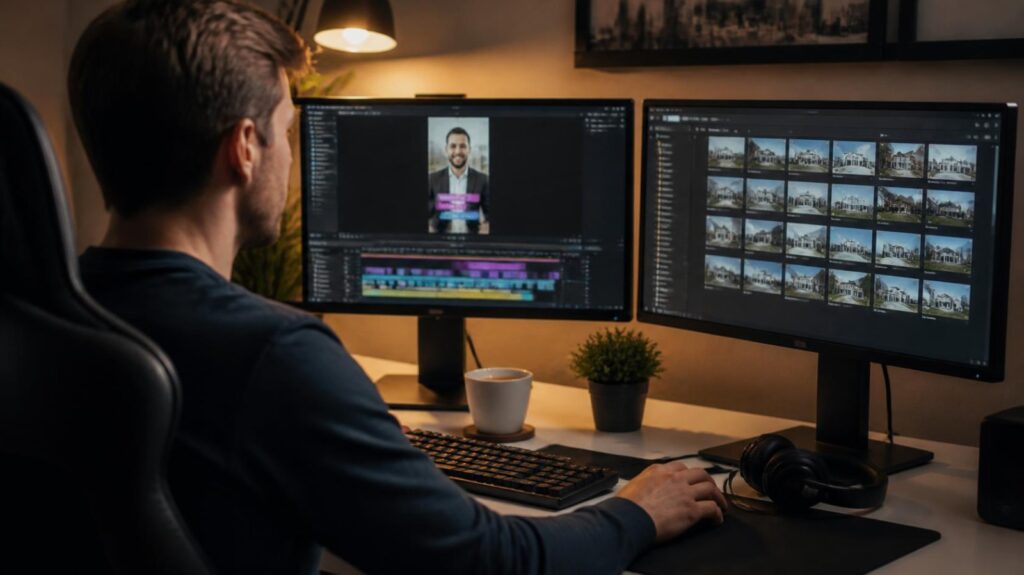
Step 3: The Edit
This is where the magic happens, and it is also the part that eats the most time when you do it yourself. A professional editor will trim silences and mistakes, tighten the pacing so the first seconds grab attention, and add on-screen captions that are easy to read. They will layer in licensed or platform-safe music at a volume that does not drown out your voice, add your logo and brand colors, and include a clear call to action at the end.
Good editors also think about where the video will live. A video for Instagram Reels, YouTube Shorts, and TikTok may use similar footage but need different lengths or caption placement. A longer version for YouTube may need a title card, chapters, and a thumbnail. Handling these details once, correctly, is much better than patching them together every time.
Step 4: You Review and Approve
Before anything is published, you see the draft. This is your chance to catch a wrong name, a misspoken price, or a clip that does not feel right. Keep your feedback specific, such as “move the tip about inspections to the beginning” or “make the captions larger.” Most projects need only one round of small changes once the editor learns your preferences. Over time, the process gets faster because the style is already set.
As a reminder, you are responsible for the accuracy of what you publish. Double-check any statistics, addresses, and compliance disclosures required by your brokerage or state before approving.
Step 5: Scheduling and Posting
Once the video is approved, it can be scheduled across your platforms with captions, tags, and a posting time that suits your audience. Scheduling your content in batches means you can film on one day and have content going out for weeks. It also means your feed stays active when you are at a closing, on vacation, or at a family event.
Common Mistakes That Slow Things Down
Avoid these, and the workflow will run smoothly. Do not upload without a note; the editor needs to know the goal. Do not film in a noisy place; background noise is hard to remove. Do not film horizontally if you plan to post vertically. Do not wait until the last minute; give your editor a few days. And do not skip the review; a quick look can save you from an embarrassing typo.
What You Gain
The biggest benefit is not just saved hours. It is consistency. When the process is simple, you actually do it. A repeatable routine of recording, uploading, and approving can turn a month of good intentions into a month of published content. Your time returns to the work that grows your business: talking to clients, showing homes, and closing deals.
Ready to Try It?
BrandLocally’s video editing service works exactly this way. You record and upload to Google Drive, and we handle the editing, captions, and formatting. Book a free consultation or call (954) 451-1051.
Popular Articles